Remove a person from a photo
Brush over the person who wandered into your shot and the scene fills in behind them.
No photo handy?
FreeNo sign-upPhotos stay on your device
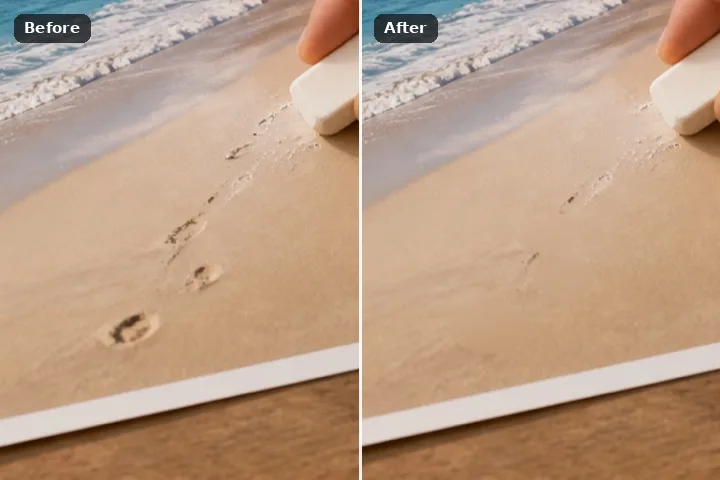
A wider brush is ready and the structure-aware option is selected, but its model is not fetched until you accept the disclosed download. Patch search remains one click away.
The opening state is a starting judgement
A person is usually a large, irregular hole rather than a narrow defect. This route therefore begins with a larger brush and points at the structure-aware fill, while still requiring explicit consent before any model weights arrive.
The selected mask instrument and fill method are visible and can be changed. Draw slightly beyond the visible object so shadow, antialiasing and colour spill are included, then remove any legitimate edge the mask crossed before running the fill.
A disciplined removal pass
- Mark the complete footprint. Include the object, its soft shadow and any reflected colour that belongs to it.
- Choose from the surrounding evidence. Use a narrow march for a stroke, patch search for texture and the disclosed model only when the hole needs structure.
- Read the divider at one-to-one. Look for repeated texture, bent straight lines and a smooth island where natural grain should continue.
- No fill reveals a hidden original; every new pixel is inferred from visible context.
- A unique face, sign or architectural edge behind the mask cannot be recovered exactly.
- Several small masks are usually safer than one huge region crossing unrelated surfaces.
Questions about the repair
What pixels are changed?
Which fill should I trust?
Does the model receive my photograph?
Related removal workflows