
Before you erase
Photos you should not edit
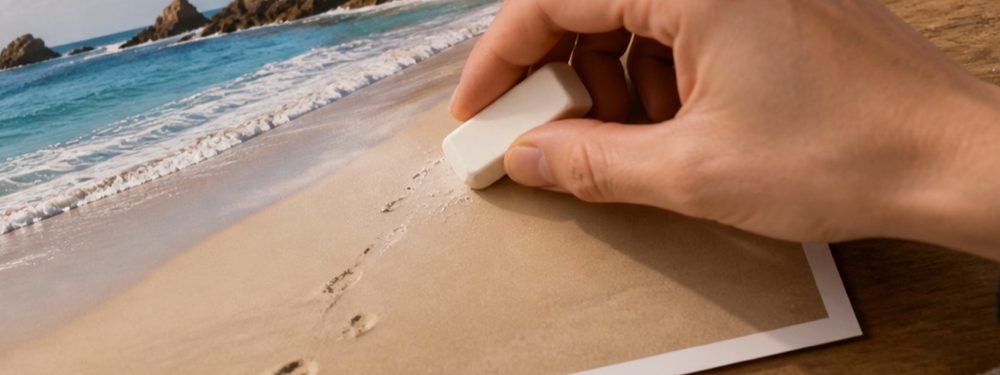
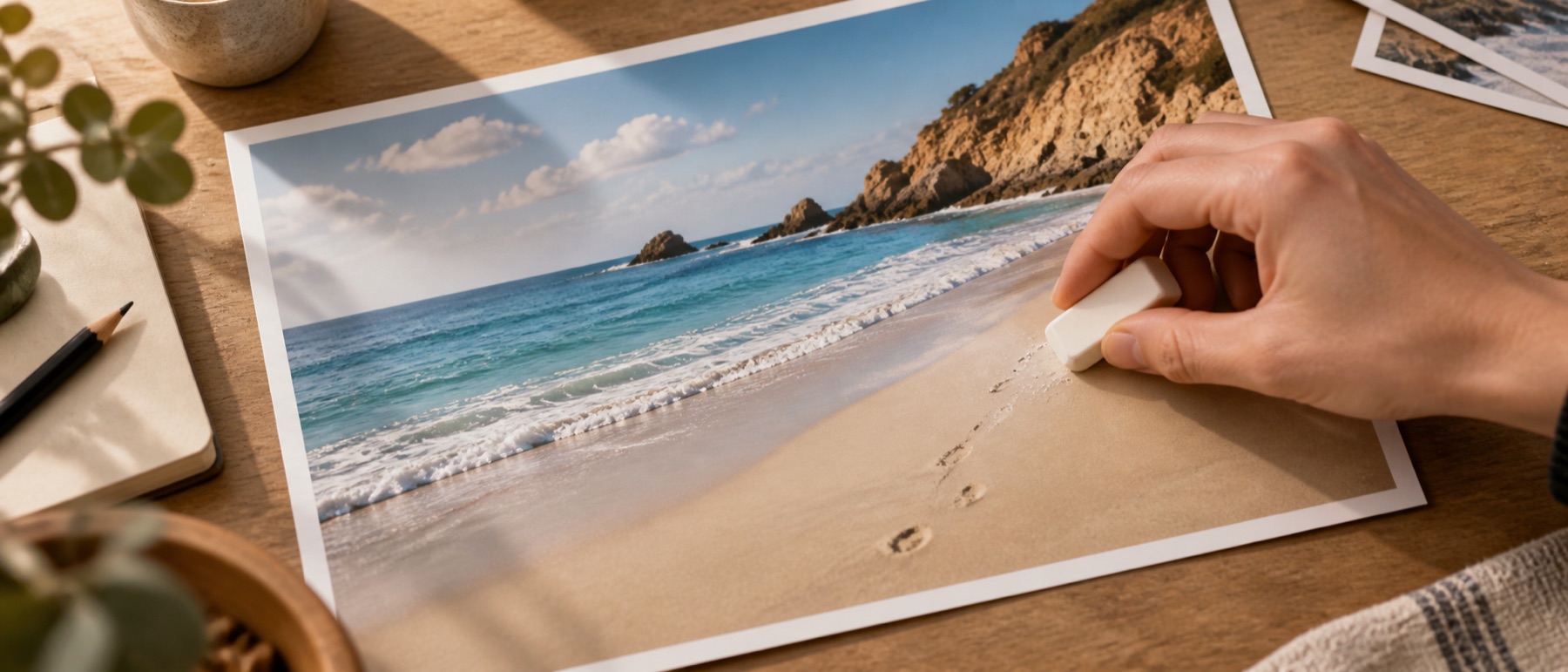
An eraser is good at making a picture look as if something was never there. For a handful of photographs that is exactly the problem: the picture is a record of what was there, and the people who receive it are relying on that.
Passport and visa photographs
Indian missions' photo guidance follows the ICAO standard: a 630 × 810 pixel photograph on a white background, the face filling most of the frame, no shadows — and photographs unaltered by computer software. File limits are stated by each mission (one advisory from the Embassy of India in Kuwait in November 2025 gave 250 KB). Removing a shadow, a blemish or a stray hair with any tool, this one included, produces exactly the altered photograph the guidance rules out.
What to do instead: retake it. Face a window or two even lights, stand a step in front of a plain white wall so your own shadow falls behind you, and check the current guidance from your mission or passport office before you upload.
Exam and application photographs
Several recruitment exams now capture the photograph live during the application, so there is nothing to upload and nothing to edit — SSC CGL 2026 is one (per a Physics Wallah summary of the notice, a secondary source). Where a portal does take an upload, its notice states the size, background and how recent the photograph must be. Meet those with a new photograph; every portal can reject one that has been edited.
Identity documents
- Never edit an identity document — Aadhaar, PAN, passport, licence, voter ID — or a picture of one that you will present as genuine.
- To share an Aadhaar officially, use UIDAI's masked Aadhaar, which hides the first eight digits.
- For your own records, an opaque cover on a copy is fine; a fill is not, because a fill makes the copy look complete.
- Certificates, mark sheets, receipts and screenshots of payments or conversations are records too. Cover private details; never change what they say.
Every figure above comes from a published notice or a summary of one, and portals change their rules every cycle. Check the official source before you rely on any of them; nothing on this site can promise a portal will accept a file.