AI object remover, on your device
For the bigger jobs: a smart fill that carries lines and edges across the gap, right on your device.
No photo handy?
FreeNo sign-upPhotos stay on your device
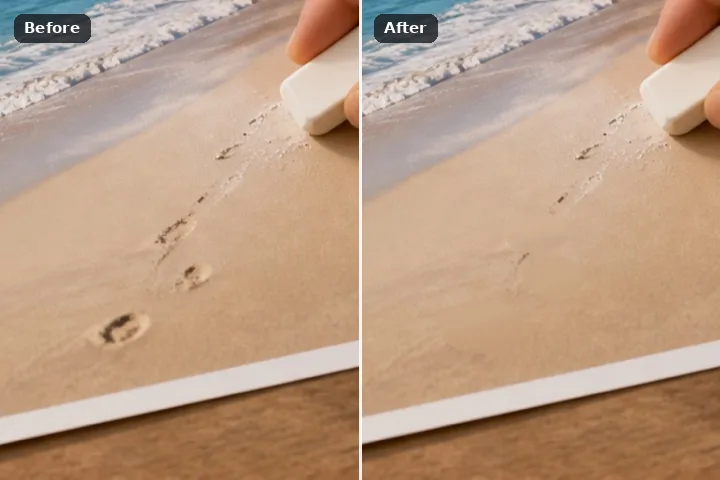
The structure-aware model is selected from the start and its download is stated before a byte moves. It runs here, in a background worker, on a square cut around what you paint — and the classical engines are one tap away if you would rather not download anything.
What “AI” means on this page
It means a generative inpainting network — MI-GAN, MIT-licensed, 26,639,447 bytes — that has learned what tends to continue a line, a horizon or a course of bricks across a hole. It is the right answer where the patch search can only paste in more of the same texture at the wrong angle. It is downloaded once from our model file server, together with the WebAssembly runtime that executes it, which is served from this domain, and both stay on this device afterwards.
It does not mean a server. The model file comes to the picture; the picture goes nowhere. The request for the model is a fixed address with no body and nothing about your photograph in it. Inference runs in a background worker in this tab, so the brush keeps moving while it thinks, and the result lands only inside the region you painted and its soft edge. Every pixel it produced is marked generated by the model in the removal record, so a picture you are about to print never hides which parts were invented.
Working it
- Open the photograph. Nothing is downloaded by opening it. The Fill panel shows the structure-aware model selected and the size it would cost.
- Paint the object generously. Include its shadow and a couple of pixels of edge. Expand adds more at fill time if a rim survives.
- Agree to the download, or don't. The button states the total. Declining is a real choice: the patch search, the edge march and the others work with no download at all.
- Press Erase. The model runs on a 512-pixel square cut around the region, in a worker. The progress line says what it is doing.
- Check the join. Generated pixels look confident even when they are wrong. Compare at 1:1 before saving, and re-roll with the patch search if the invention does not fit.
What this mode will not do
- The model invents. Behind the object there was something real and it is not in the file; what comes back is plausible, not recovered.
- It fails on the same things everything fails on — very large regions, strong repeating structure — and it fails more convincingly, with a crisp continuation that never existed.
- A face or readable lettering inside the region comes back as plausible nonsense.
- It runs single-threaded on WebAssembly in this release. Speed depends on the device; on a phone, expect seconds, not an instant.
Questions about this mode
Does my photo get uploaded to an AI service?
How big is the download?
When should I not use the AI engine?
Is the result marked as AI-generated?
What happens if the model will not start on my device?
Related ways in

Ai Object Remover