Remove a caption from a photo
Crop off a caption strip, or clear the words that sit on the photo.
No photo handy?
FreeNo sign-upPhotos stay on your device
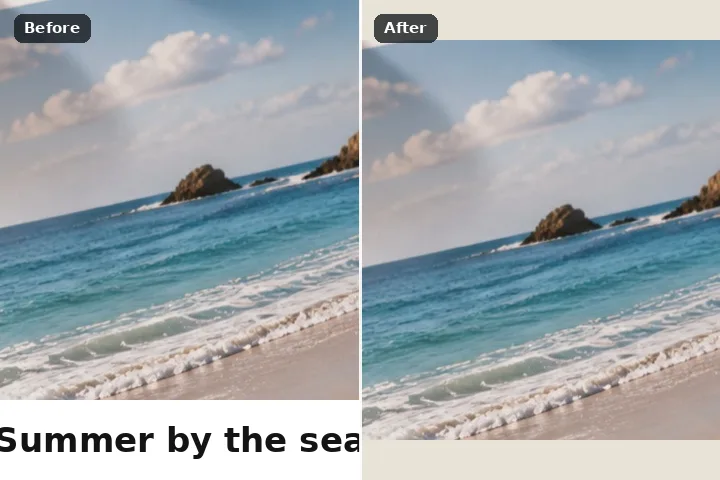
The top and bottom of the picture are searched for a caption band as soon as it opens. If the caption sits on a strip added on top of the photograph, cropping that strip off is offered first — nothing invented at all. If it sits on the picture itself, its letters are proposed as the region to fill.
Why a crop comes first
Most captions on shared pictures are not on the photograph at all. A meme line, a news-style lower third or a white strip with a date is a band added above or below the picture, filled with one colour across its full width. Removing it by fill would mean inventing what was never there; removing it by crop means just not keeping the strip. So when the band is uniform enough to be an added strip, Crop the band is the first offer, with the new size stated, and the picture reopens without it as a lossless PNG.
When the caption is drawn over the photograph itself, there is nothing to crop. Then the letters — the pixels in the band that differ strongly from its background colour — are proposed as the region, grown two pixels for their anti-aliased edges, and filled. On a plain band the flat fill rebuilds the band's own colour; on a photograph it refuses, says why, and the edge march does it instead.
Do not remove credits, bylines or watermarks from someone else's image, and do not alter documents or screenshots you will present as evidence.
Working it
- Open the picture. The band search runs at once. The live line says what it found and where.
- If it is a strip: crop it. Press Crop the band. The new dimensions are stated before you press; the picture reopens cropped, as a PNG.
- If it is on the picture: check the letters. The letter strokes are proposed. Add any it missed with the brush; take back anything else with the restore brush.
- Erase. Flat fill on a plain band; on a photograph the page switches to the edge march and says why.
- Draw your own box if nothing was found. The rectangle is selected; box the caption and erase.
What this mode will not do
- It looks only along the top and bottom edges, and only for a band whose rows share one background colour. A caption in the middle of a picture, or on a busy background, is boxed by hand.
- Cropping changes the picture's dimensions; that is the point, but it is not right for a picture that must keep its size.
- Large white letters over a photograph leave large holes, and a fill there invents more than it recovers.
- The words are never read; it does not know what the caption says.
Questions about this mode
Is my picture uploaded?
Should I crop or fill?
Which engine fills under the text?
Why did it not find my caption?
What does the crop do to quality?
Related ways in



Remove Caption