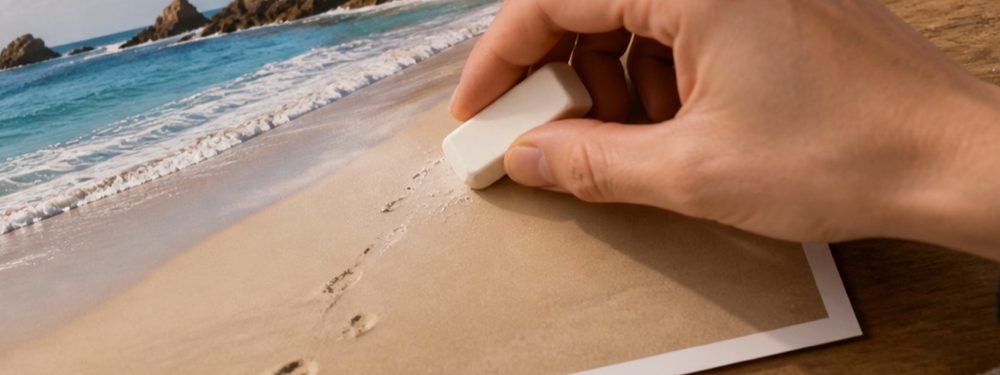

Redaction
Cover versus fill
Everything else on this site tries to make a removal invisible. A redaction has to do the opposite: it has to be seen, because the person looking at the picture is owed the fact that something was taken out.
Two operations that look alike
A fill throws away the pixels under a region and builds new ones from the surroundings, so that the eye slides over the place where something used to be. Done well, nobody can tell anything happened. That is the whole point when the thing removed is a bin or a power line in a holiday photograph.
A cover throws the same pixels away and puts nothing plausible in their place: a black or white box, a colour that sits quietly on the page, or blocks too coarse to read. It is honest about the change. On a screenshot of a bank statement, a conversation or a form, that honesty is what separates hiding your own data from altering a record.
Why a fill is the wrong tool for a redaction
- It misleads. A filled-in account number leaves a picture that looks complete, and a reader will treat it as complete.
- It can invent. A fill over text sometimes produces shapes that look like other letters or digits, which is worse than nothing.
- It blends. Every fill here has a soft edge so the seam disappears — and a soft edge lets the outer pixels of what was underneath show through.
That is why the photo redactor on this site uses a separate engine, called cover, with none of the softness the others have: no feather, no soft inner edge, full strength, and opaque even over transparent pixels. Its blocks of pixelation are never smaller than twelve pixels.
How to check a redaction
- Look at it at 1:1. Zoom to actual size and pan across every cover. A single digit outside the box is the whole number for anyone patient.
- Check the edge. A redaction should have a hard edge. A soft or feathered edge lets the outermost pixels of what was underneath blend through.
- Check the format. Save a flat picture — PNG or JPG — not a layered file. A cover on a layer above the original hides nothing from anyone who opens the layers.
- Check what else exists. The original, the cloud backup, the copy already sent. A cover changes one file; it recalls nothing.