Picture eraserErase anything from your photos
Brush over a stranger, a date stamp or a stray sign. It disappears, and the background fills back in.
No photo handy?
FreeNo sign-upPhotos stay on your device


Three taps
From photo to clean copy
- 1
Add a photo
Tap Choose photo, drop one in, or paste a screenshot.
- 2
Brush over it
Paint across the thing you want gone. A loose stroke is fine.
- 3
Download
It fills in from the picture around it. Save it at full size.
All tools
Pick what to erase
Every tool is the same eraser, opened with the right brush for the job.
Erase
 Remove person from photoBrush over the person who wandered into your shot and the scene fills in behind them.
 Remove text from pictureBox the words and they vanish. The picture carries on underneath.
 Remove date stamp from photoOld scan with orange digits in the corner? Open it and the stamp is found for you. One tap clears it.
 Remove watermarkClear your own logo or watermark off a photo you own, in a couple of taps.
Clean up
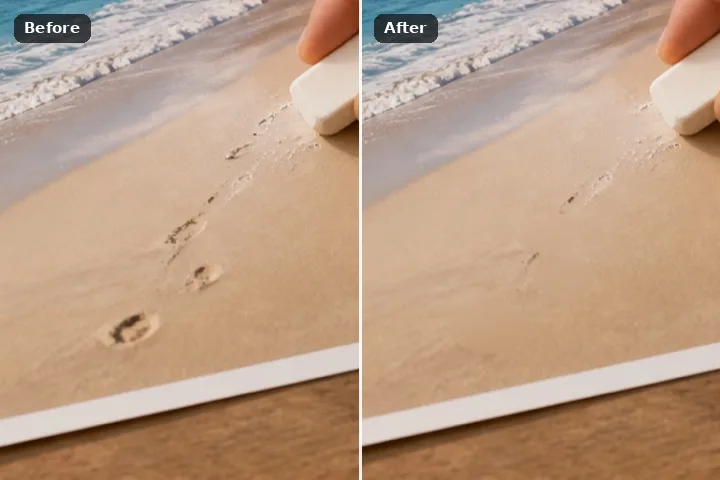 Remove unwanted objectsMark every distraction at once and clear them all together.
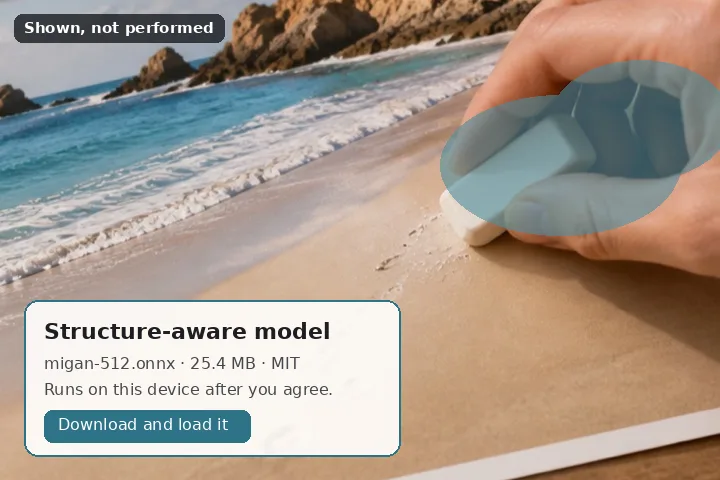 AI object removerFor the bigger jobs: a smart fill that carries lines and edges across the gap, right on your device.
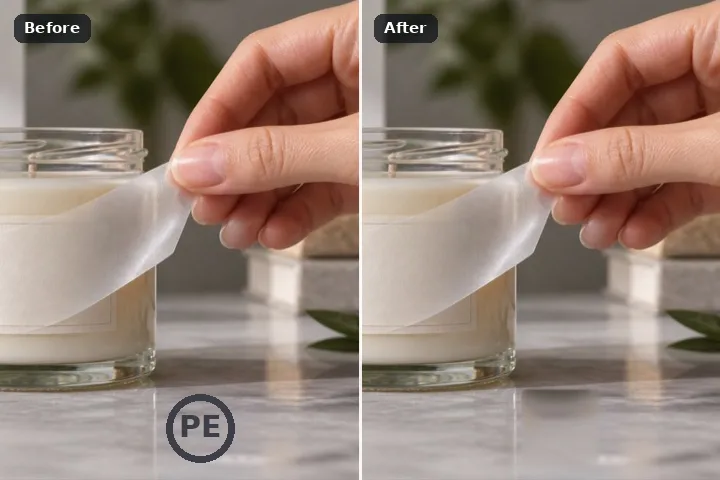 Remove logoDraw a loose box around the logo. It snaps tight and fills in.
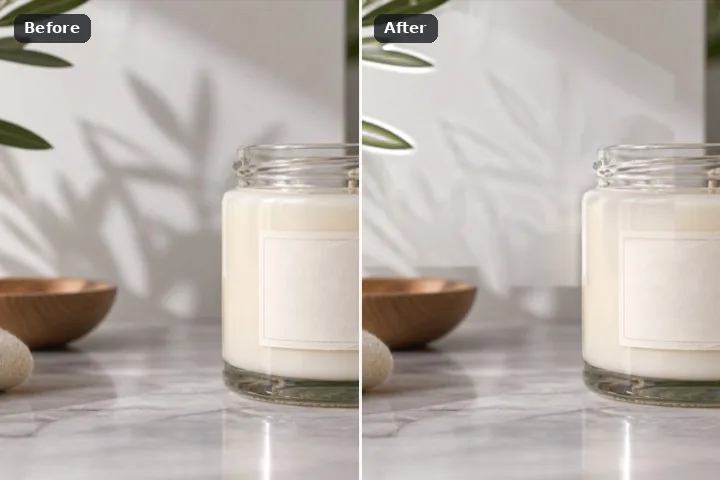 Remove shadowBrush over a harsh shadow and it lifts to match the light around it.
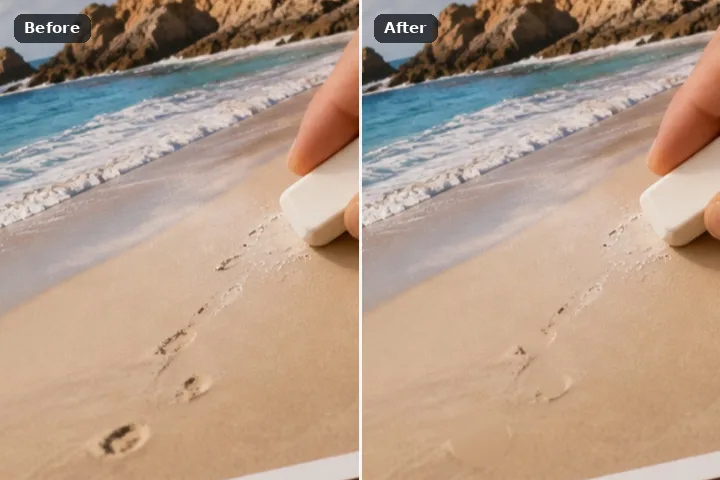 Remove blemishesTap a spot and it heals from the clean area around it.
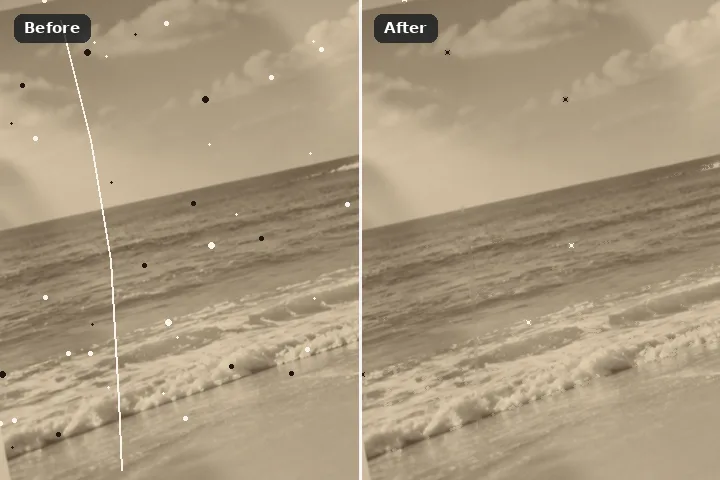 Remove scratchesDust and scratches on an old scan are found for you. Check them, then clear them.
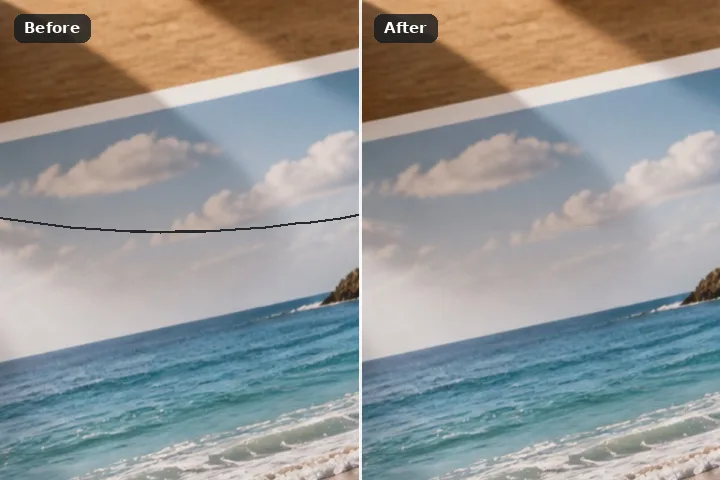 Remove wiresClick along a power line or cable and it disappears from the sky.
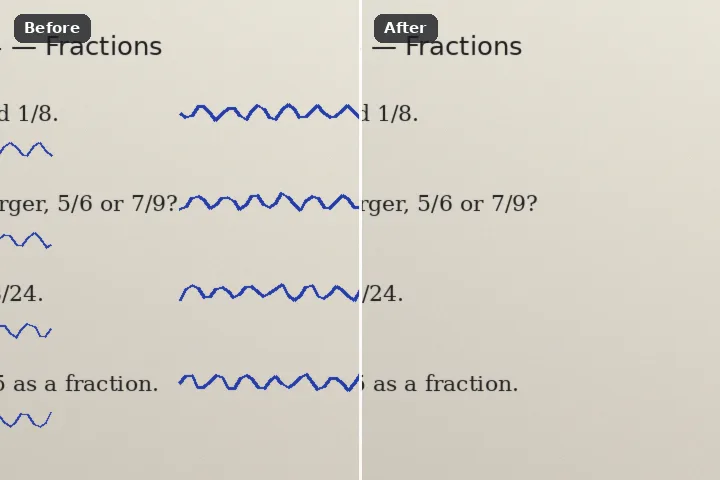 Remove handwritingLift pen marks and scribbles off a page while the printed text stays put.
Text, documents & output
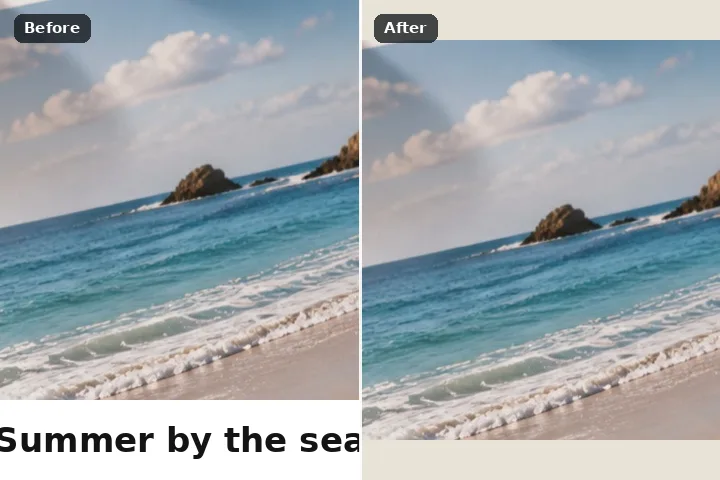 Remove captionCrop off a caption strip, or clear the words that sit on the photo.
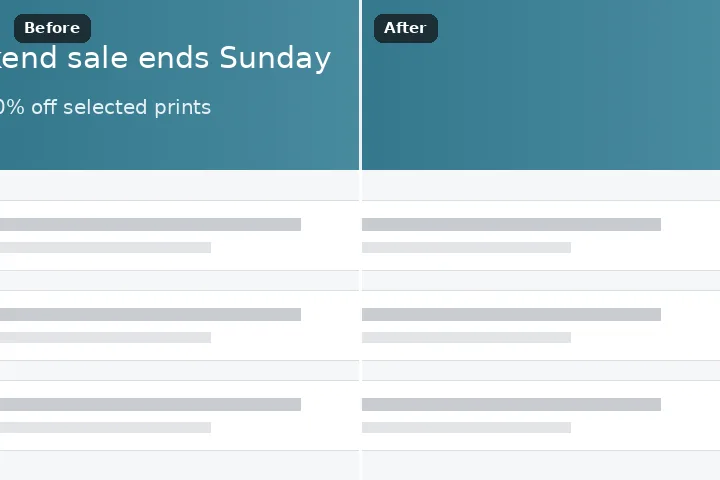 Remove text from screenshotClear names, numbers and messages from a screenshot before you share it.
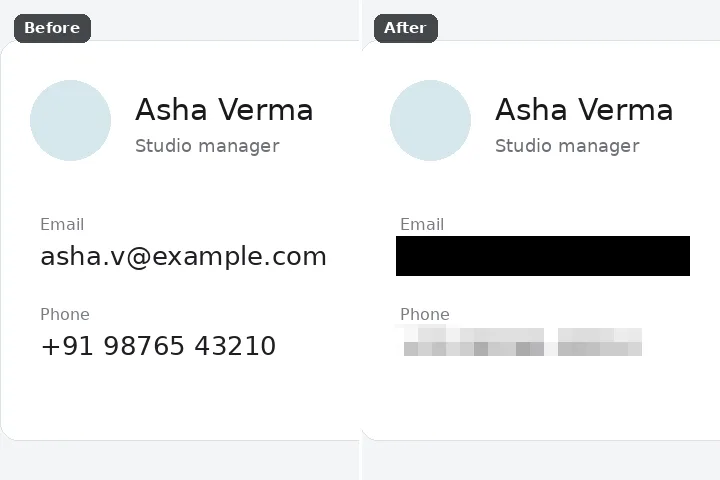 Photo redactorCover faces, plates or private details with a solid block before you share.
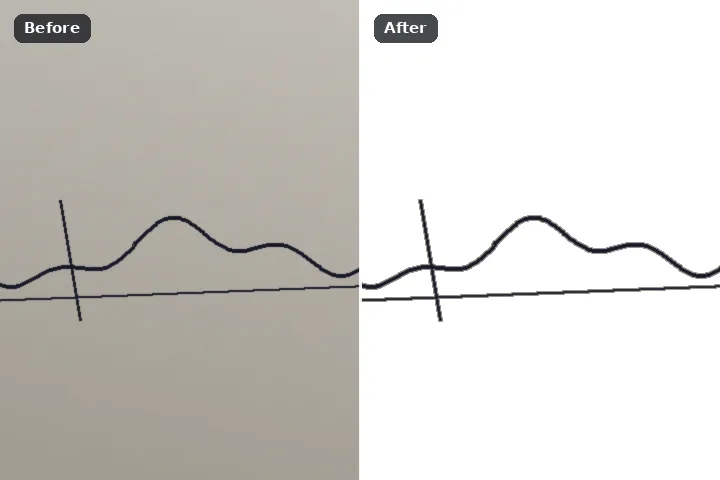 Clean signatureTurn a phone photo of your signature into clean white paper and crisp ink.
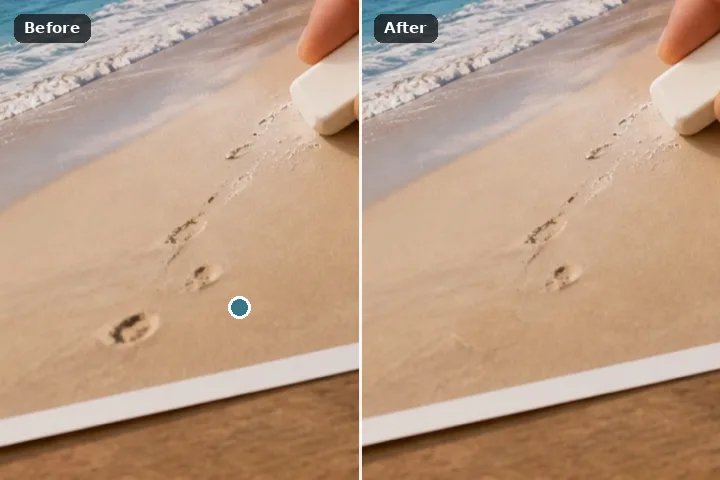 Clone stampCopy a clean patch over a mark. You see what it will copy before it does.
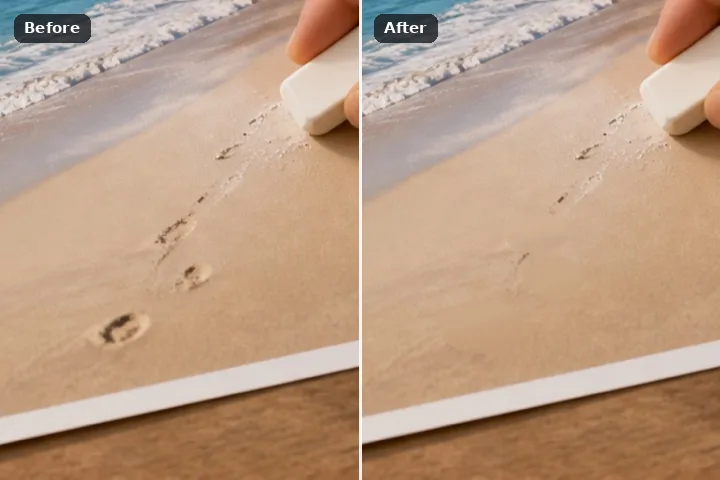 Object remover HDErase from big photos and keep every pixel. Your file comes back at full size.
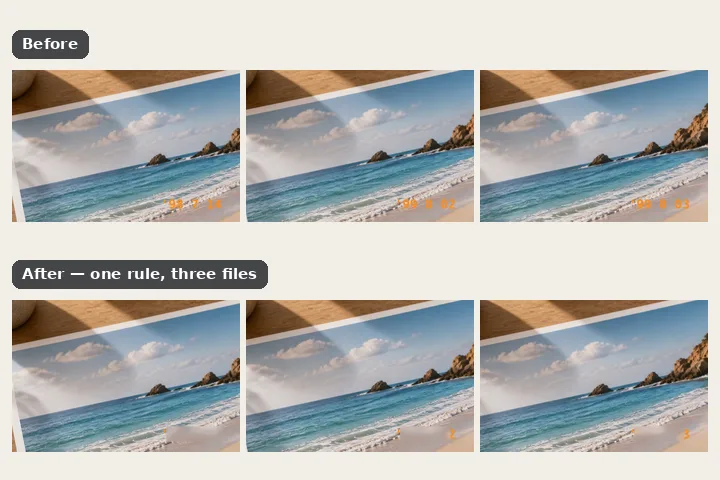 Batch eraseDrop a whole folder and clear the same date stamp or corner badge from every photo.
What the eraser does
Paint over what should not be in the frame. The fill reads the pixels around the painted region and puts back what they imply was standing there — and records, for every removal, whether those pixels were copied out of this photograph or drawn by a model.
One operation, inside one frame. A region is painted, the pixels under it are thrown away, and something is synthesised in their place out of the pixels around them. The frame keeps its dimensions, nothing is separated from its background, nothing moves, and every pixel outside the painted region and its soft edge is written back into the exported file exactly as it arrived.
Several engines do the synthesising and they are good at different things. The marching fill advances the edge of the region inward a pixel at a time, colouring each one from the intact pixels it can still see, weighted so that a neighbour sitting along the direction of travel is trusted further than one sitting at right angles to it. That is the right answer for a date imprint, a power line or a hairline of lettering, where every pixel has real information a few steps away. The patch search is the right answer for everything wider: it searches the rest of the photograph for the squares that best match each square overlapping the region, lets all the overlapping answers vote, and does it again at four or five resolutions from coarse to fine.
Neither of those two invents texture from nothing, and that is deliberate rather than a shortcoming we have not got round to. Everything that comes out was already somewhere else in the same photograph, in the same light, at the same grain. When the search runs out of good matches the result looks smeared or repeated — which anybody can see, and which is a far better failure than a confident piece of fiction in a picture somebody is about to print.
Two more are for the cases those two handle badly. The smooth fill averages inward from the rim of the region, level by level, until it meets itself in the middle — the right answer for a sky, a plain wall or an out-of-focus background, and the wrong one for grain. The clone copies the region from a pin you place somewhere else in the frame; while it is chosen, the painted area shows what the pin would put there, so the source is picked by looking rather than by trying. A suggestion places the pin where the surroundings match best, and you can drag it from there.
The downloaded engine does invent, and it is the one that answers the railing. Choosing Structure-aware downloads a generative inpainting network — 26,639,447 bytes from our model file server, plus the runtime that executes it, about 38.7 MB the first time and nothing on any visit after that — and runs it here, in a background worker, on a 512-pixel square cut around what you painted. It continues a line where a patch search can only copy one. It also fails on exactly the same three things the others fail on, and it fails more convincingly, which is why it is an option you choose rather than the default you get. Nothing is downloaded until you press the button that states the size, and declining it leaves every removal on this site working as it did before.
Edge march
Patch search
Structure-aware
Working a removal
- Open the photograph. Drag it onto the frame, paste it, or pick it off the disk. Files up to 120 MB open directly, at up to about 32 megapixels in a desktop browser or 16 on an iPhone or iPad, where Safari gives a canvas far less room and fails silently past it. Over either figure a reduced working copy is offered as a question rather than refused as an error.
- Paint over what should go. The brush suits anything with an irregular outline, the lasso anything you can ring in one sweep, the rectangle burnt-in digits and captions, and selecting by similar colour flat graphics lying on busy ground. The restore brush takes paint back off, and E switches between the two. Square brackets step the brush width; Hardness softens its edge. For a person, Find people proposes the region for you to refine.
- Push the edge out by two pixels. A removal that leaves a thin rim of the old object is the single most common disappointment, and it is almost always two pixels of overspill. Set Expand before you run rather than re-running afterwards — it grows the region at fill time and leaves what you painted as painted.
- Run the fill. Enter starts it, or the Erase chip that sits beside the painted region. Left to choose, anything a few pixels wide goes to the marching fill and anything wider to the patch search, which rebuilds the region out of other parts of the same photograph over a coarse-to-fine pyramid. Smooth suits a sky or a plain wall; Clone copies from a pin you place, and shows what it will copy inside the region before you commit.
- Judge it on the divider. Switch to Compare, drag the boundary across the region and watch the join, not the middle. Holding space snaps the whole frame back to how it arrived, which is the comparison that catches a flattened texture. If a trace survives, Run another pass fills the same region again.
- Save the full-size file. On a picture larger than the screen, each removal is computed on the full-size picture the moment you commit it and shown reduced on the stage, so saving writes exactly what you approved, at full resolution. Only a region too large for your device to compute at full size is worked on the reduced copy instead; its row in the removal record says so, and the save asks you once before re-rendering it at full size.
Files it opens and files it returns
Six containers open with no help at all: PNG, JPG, WebP, BMP, GIF and the ICO icon format. TIFF is the exception and it is worth stating rather than listing: no TIFF decoder ships in this page, so a TIFF opens only where the browser reads TIFF itself, which today means Safari, and is refused in Chrome and Firefox. An iPhone HEIC needs a WebAssembly decoder weighing roughly one and a half megabytes, pulled down the first time such a file is actually chosen and at no other moment. Orientation is settled during decoding: a two-pixel test image goes through the decoder once to establish whether this particular browser honours the rotation flag on its own, and where it does we leave the pixels alone. Skipping that step is why a holiday photograph lands sideways on one browser and inverted on another. Out comes PNG with any see-through areas intact, JPG at a quality you set, or WebP where the browser can write one.
- Nothing here recovers what was actually behind the object. That information left when the shutter closed and is not in the file. What comes back is a plausible continuation of the surroundings, which is a different claim and a smaller one — and it is the claim the downloaded model makes too, more fluently.
- Straight lines and regular patterns in perspective break the engines that ship in the page. A railing, a tiled floor, a brick course, a horizon crossing the region — a patch search has no notion of a line and will bend it, and the marching and smooth fills will smear it. The structure-aware model is genuinely better at these and still not reliable on them: it holds a line for a while and then drifts, and it does it crisply enough that you have to look.
- A face or readable lettering inside the painted region comes back as plausible nonsense under every engine here. Nothing on this site knows what an eye or a letter is; the model knows what a photograph of one tends to look like, which is not the same thing and is worse, because the nonsense is sharper.
- Past roughly a quarter of the frame this stops being a removal and becomes a generation task, under every engine here and most of all under the model. The run button stays live because it is your photograph, but the warning appears first, and the result will look like it.
- An animated GIF or WebP is reduced to its first frame, and the page says so as soon as it sees one rather than at export time. Masks are drawn per picture; the batch that opens when several files are dropped handles only a mark in the same place on every frame, and lists each file it will not fill.
Questions we get
Can it take a person out of a beach photograph?
Why did the railing bend where I erased the post?
Can I take a watermark off a stock photograph?
What if I want everything except the subject gone?
Does the painting keep up on a phone?
What does the structure-aware engine do that the other two cannot?
So is the structure-aware engine simply better?
What each format costs on the way out
The fill is the same arithmetic whichever container you save into; what differs is what the container does to the pixels the fill did not touch, and that is worth deciding before you press save rather than after.
- PNG rewrites every pixel losslessly, including the ones nothing happened to, and keeps any see-through areas. It is the right answer for a scan you intend to keep, and it is the largest file by a wide margin — often four to eight times the JPG.
- JPG re-encodes the entire frame, not only the filled region, because the format has no mechanism for leaving part of a picture alone. On an original that has already been through two or three generations of JPG, that is another generation. The quality control is there because the right number depends on how many have gone before.
- WebP is written by the browser rather than by this page, so where it exists it is the smallest of the three at a given quality and where it does not the option is simply absent. Nothing here silently substitutes a different format for one you asked for.
- Every container drops what the camera or scanner wrote in the header — capture time, lens, and any coordinates. That is not a setting. A photograph you have just edited to remove somebody from should not be carrying the place it was taken.
Where to go from the front page
Every surface listed under Operations above is this same eraser opened in a different mode — a different first tool, a different default fill, a proposal that runs when the picture opens. Beyond those are the written pieces on how the fills decide what goes where, and the index that holds them together.